
See how Near Field Communication (NFC) helps you pull device data, share reports, and access configuration settings without removing your safety light curtain.
As a consumer, we’ve gotten used to the simple “tap here” function for everyday interactions, like tapping a credit card on the coffee shop iPad to pay for your morning latte. While it may be preferable to think this connection between credit card and iPad is a product of magic or star-crossed chemistry, it’s actually because of a technology called NFC.
What is NFC?
NFC, or Near Field Communication, is a short‑range wireless communication technology that lets two devices exchange data when they are held close together, typically within a few centimeters. As mentioned earlier, you’ve probably used NFC without realizing it, like tapping a phone to make a payment or pairing a device.
For SICK safety light curtains, NFC serves a different purpose: enabling fast, secure access to device data directly from your smartphone.

How SICK uses NFC in deTec safety light curtains
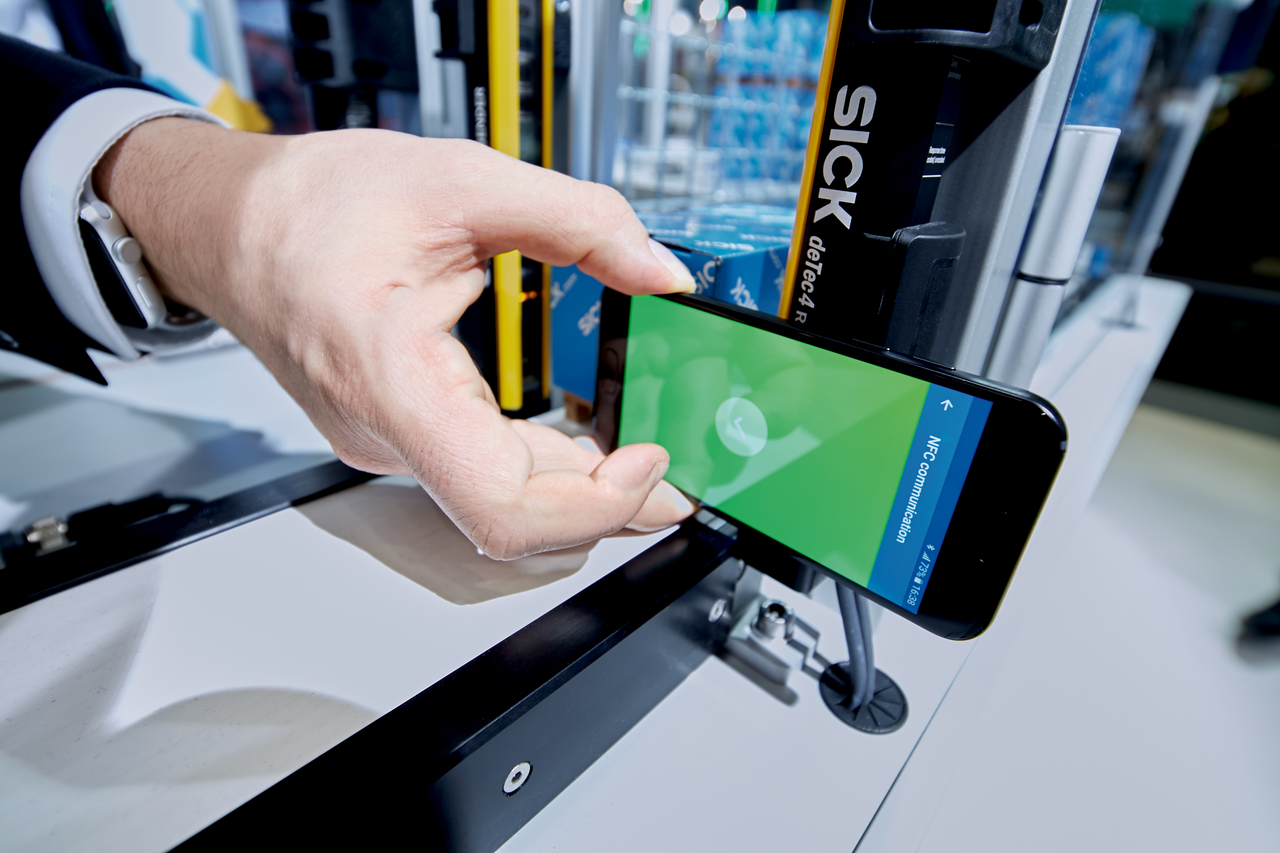
Each SICK deTec receiver includes an NFC tag located at the base of the unit. This placement isn’t random; the receiver is where the device’s “brain” lives. It houses safety outputs, configuration information, DIP switch settings, and system status data.
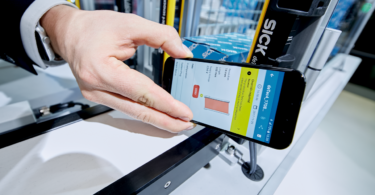
By holding a smartphone (with the SICK Safety Assistant App) against the front or side of the light curtain’s receiver base, users can instantly read and download key information.
What type of information?
The receiver can share information like:
- Diagnostic reports
- Configuration settings
- Status visualization and device overview
Let’s break down the above three points to fully understand the information and data you can access with NFC technology and the SICK Safety Assistant App.
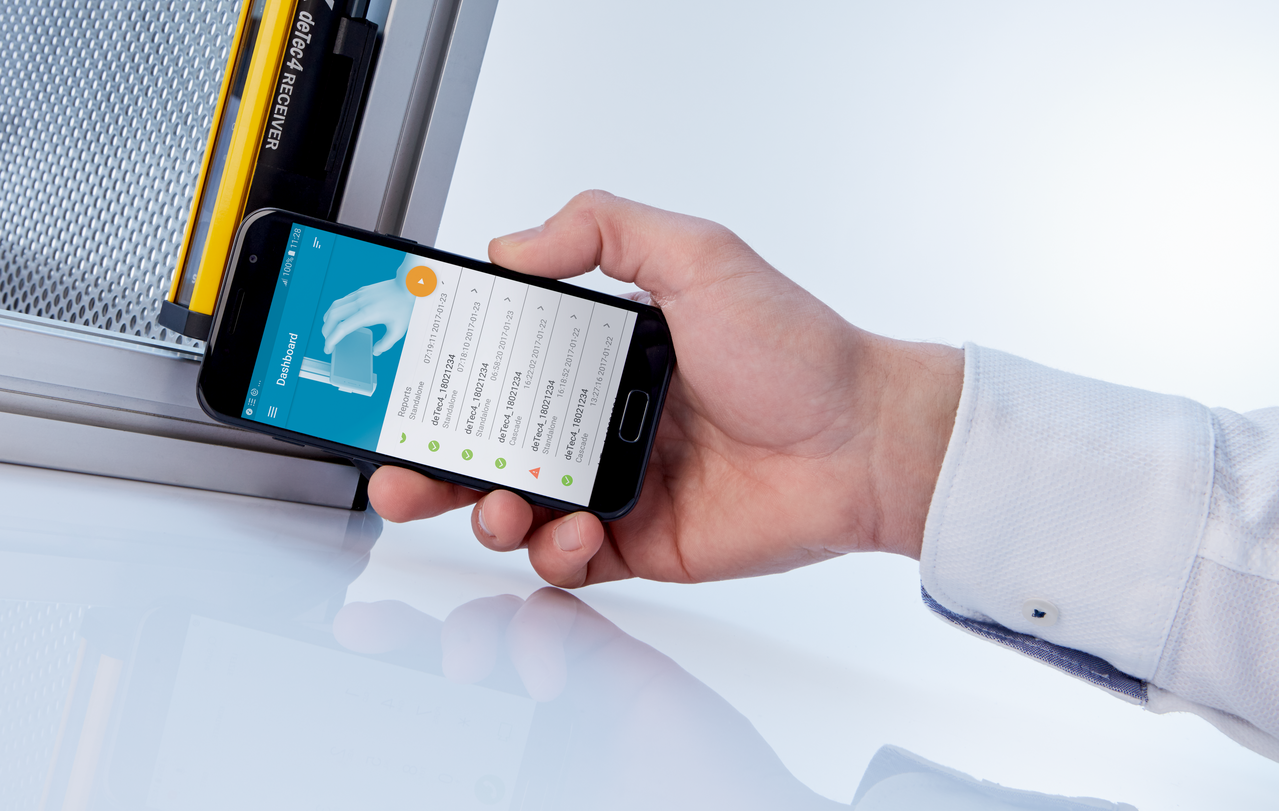
Benefits of using NFC with SICK light curtains
1. Check and share diagnostic reports without being onsite
NFC allows you to pull a complete diagnostic report from a deTec light curtain and share it instantly.
Within the app, users can:
- Generate a full status report
- Export and attach it to an email
- Send it to SICK support or colleagues for review
This enables faster troubleshooting and service—no time lost waiting for a technician to arrive on‑site. Support teams can see the exact configuration, status, and fault information, allowing them to give precise guidance right away.
2. Access configuration without removing the light curtain
Traditionally, checking DIP switch settings requires removing the safety light curtain from the machine. This means slowing down troubleshooting, causing unnecessary downtime, and introducing potential mounting issues.
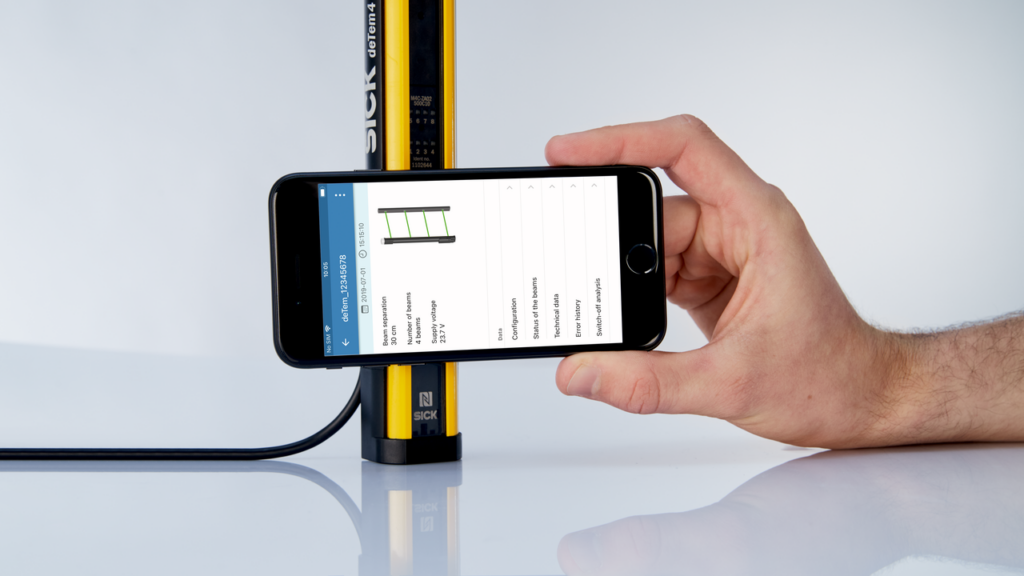
With NFC, the SICK Safety Assistant App displays the device’s configuration instantly, including:
- DIP switch positions
- Active features
- Safety functions
- Enabled modes
This eliminates the need to uninstall hardware just to understand how it’s set up.
3. NFC for equipment commissioning and faster troubleshooting
The SICK Safety Assistant App provides several tools that simplify commissioning, maintenance, and diagnostics:
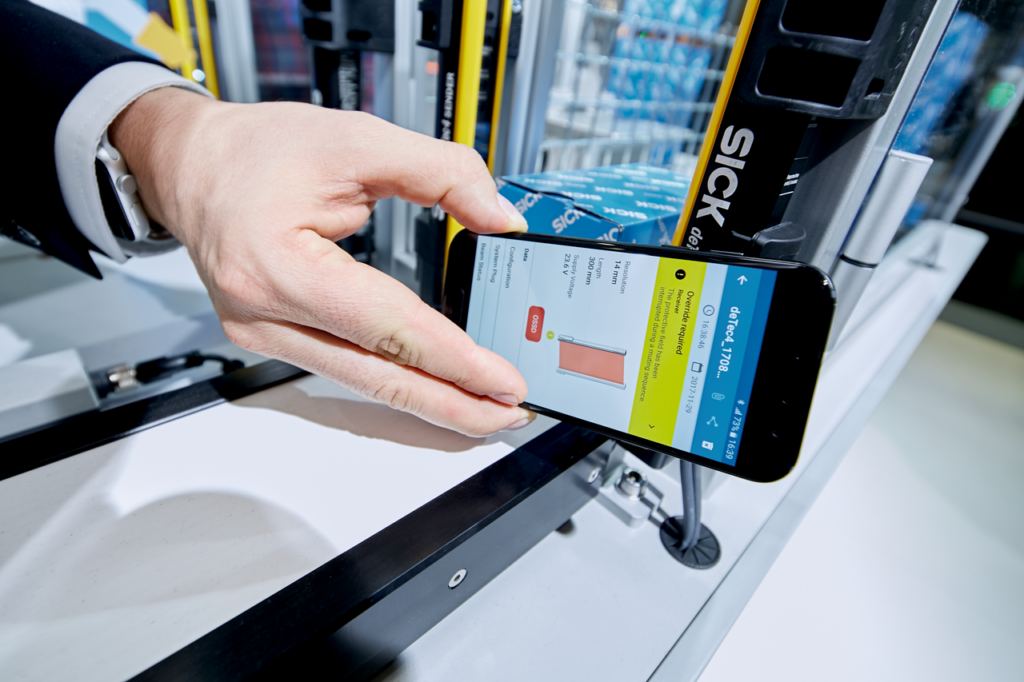
Real‑time beam status visualization
Users can view beam alignment and signal strength in real time.
Examples include:
- Identifying beams partially blocked by dust or debris
- Spotting alignment issues
- Understanding which beams are obstructed during setup
If a beam is weakening or blocked, the app clearly indicates the beam number and type of obstruction, helping users pinpoint what needs adjustment or cleaning.
Instant device overview
The overview screen shows:
- Device type and version
- Input status
- Operating status
- Configuration mode
This provides immediate context for understanding what the light curtain is doing and why.
A powerful tool for modern safety applications
NFC support through the SICK Safety Assistant App brings new simplicity and transparency to safety light curtain maintenance. Whether you’re commissioning a new system, diagnosing a signal loss, or verifying switch settings, NFC makes the process quicker and more intuitive.
Using NFC with light curtains is just one example of how this technology is used in industry at large. Want to know more about its capabilities? Contact us below!